

Knowledge Base
Quick Start
This guide will help you create your first financial model in 5 minutes — from registration to your first dashboard results.

1. Sign Up
Go to prodwave.org and click "Get Started Free". You can register via email or Google account. After confirming your email, you will be taken to your dashboard.
2. Create a Model
Click "Create Model". Three options:
- General (blank) — a clean model with no data, just the tab structure and empty sections.
- General (prefilled) — a model with typical parameters, sample channels, revenue, expenses and a team, so you can immediately see how calculations work.
- From the catalog — ready-made product models that you can copy and adapt.
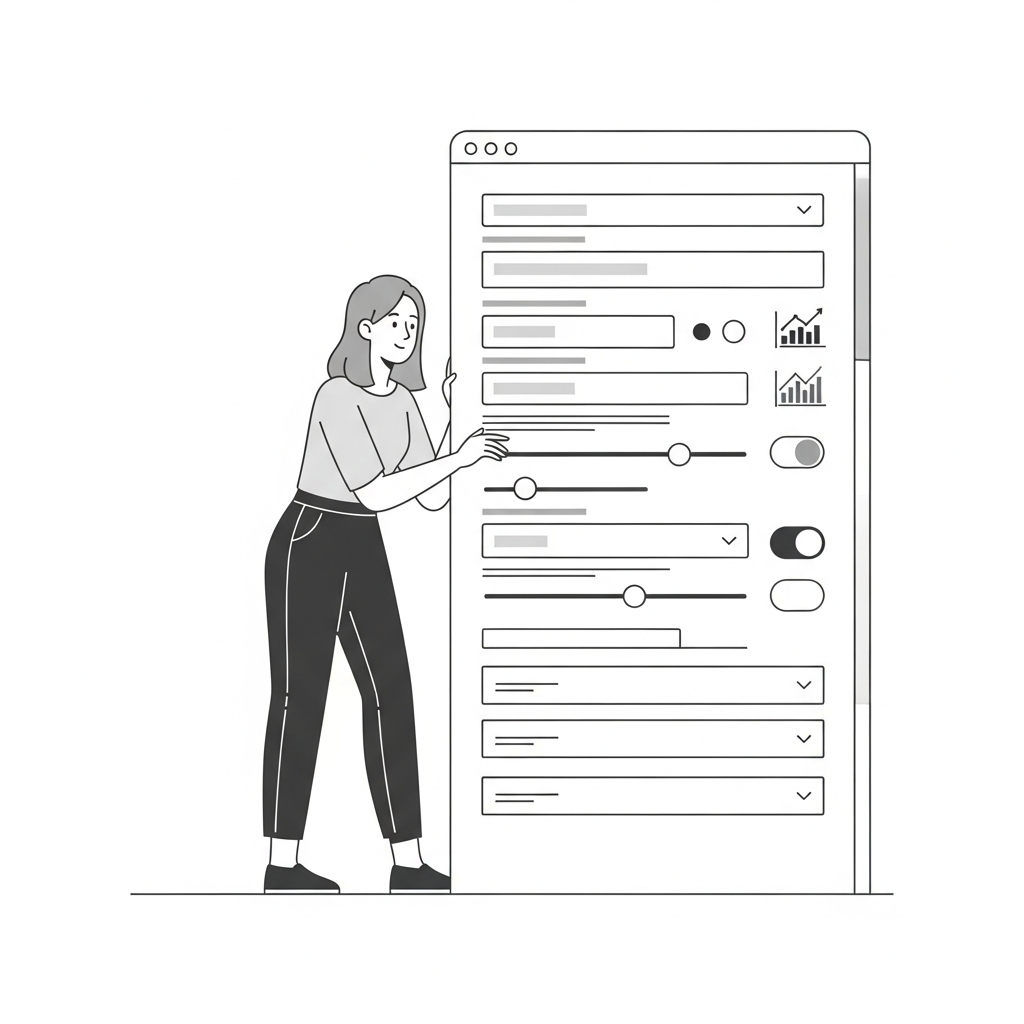

3. Set Key Parameters
On the "General" tab, set the forecast horizon (we recommend 36 months), preparation start date and product launch date. Configure activation and churn rates — they determine your user base dynamics.


4. View the Dashboard
Go to the "Dashboard" tab — you will see initial results: KPI cards, P&L charts, Unit Economics, and investment metrics. All calculations update automatically when you change parameters.
5. What's Next?
Set up acquisition channels, add revenue and expenses, create a team. Each section is detailed in the reference — start with the "Building a P&L Model" guide.